


CLASSES

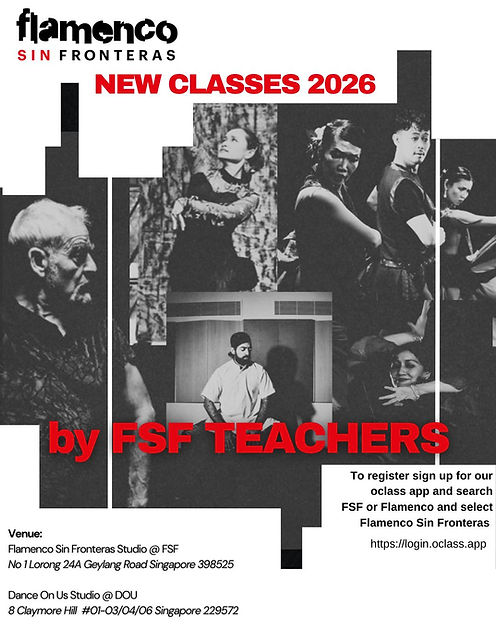

Information About Classes, Studio Space & Lockers
All classes, FSF studios space and lockers @ FSF are booked and paid through our online platform powered by OClass.
To get started:
1. Download the “OClass Ignite” app at:
Android - https://play.google.com/store/apps/details?id=app.oclass.ignite
IOS - https://apps.apple.com/sg/app/oclass-ignite/id1545867224
OR
Access OClass via the web: https://clients.oclass.app/fsf/registration
2. Search for “FSF” and then select “Flamenco Sin Fronteras”
3. Set up your student account and get started to access our full range of classes and available studio space and lockers for booking!
Helpful tips:
-
Book your classes using the OClass Ignite app (under “Book a Class”).
-
Book either of the 2 studios at FSF using the OClass Ignite app (under “Book a Facility”).
-
Book a locker for the month (10 available at FSF only) using the OClass Ignite app (under "Buy").
IMPORTANT:
-
All classes and studio space must be booked and paid for via the OClass Ignite app. Direct bookings/payments to teachers won’t be accepted.
-
You can withdraw from a booked class without being charged (through the OClass Ignite app) up to 12 hours before the start time of your class. After this, you will be charged for the class. This is to ensure fairness to other students (late cancellations can affect minimum class numbers to run) and studio bookings are managed properly. We do however understand that sometimes you might need to withdraw late due to illness or emergency – in this case, contact your teacher as soon as possible.
Registration & Booking Enquiries
If you have any questions or need help with booking classes, studio space or lockers, speak to your teacher.
Location of Classes
Classes are conducted at:
FSF Studio / FSF Studio 2: No 1 Lorong 24A Geylang Singapore 398525
Dance on Us (DOU): 8 Claymore Hill, #01-03/04/06, Singapore 229572